
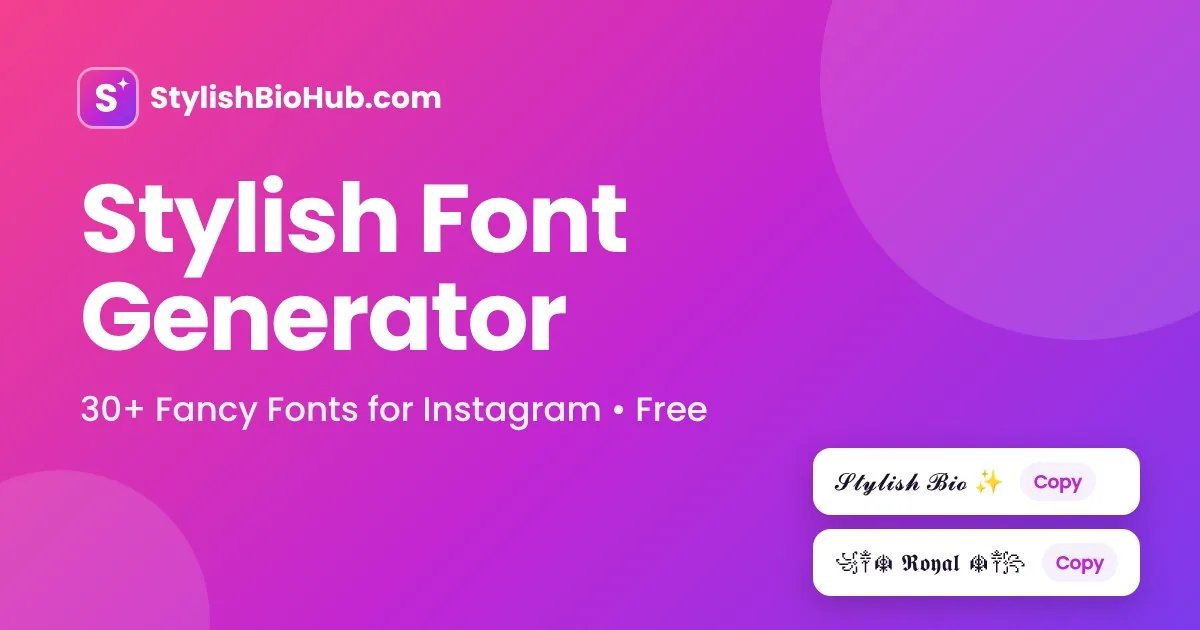
Welcome to the free Stylish Font Generator by StylishBioHub. Type your name or bio below and instantly get 30+ fancy fonts — bold, italic, cursive, gothic, bubble, small caps and decorated styles. Tap Copy and paste the result into your Instagram bio, name, captions, WhatsApp status or Free Fire nickname.
How to Use the Stylish Font Generator
- Type your text in the box above — your name, a short bio line or a caption.
- Scroll the styles. Every font updates live as you type, so you can compare them side by side.
- Tap Copy next to the style you like. The text is copied to your clipboard.
- Paste it anywhere — Instagram, Facebook, WhatsApp, Snapchat, X, YouTube or games.
The stylish font generator works on mobile and desktop, needs no app and no sign-up, and it is 100% free.
Popular Fonts You Can Create
Our stylish font generator turns normal letters into special Unicode characters. Here are a few favourites and where they look best:
- Bold (𝐁𝐨𝐥𝐝) — great for names and headings in your bio.
- Script (𝓢𝓬𝓻𝓲𝓹𝓽) — an elegant cursive look for girls’ names and aesthetic profiles.
- Fraktur (𝔊𝔬𝔱𝔥𝔦𝔠) — an old gothic style that suits attitude and gaming names.
- Double Struck (𝔻𝕠𝕦𝕓𝕝𝕖) — a clean outlined style for modern profiles.
- Small Caps (ꜱᴍᴀʟʟ ᴄᴀᴘꜱ) — minimal and classy for short bios.
- Bubble (Ⓑⓤⓑⓑⓛⓔ) — cute and playful for fun accounts.
- Decorated styles — royal ꧁༒☬ ☬༒꧂, stars ★彡 彡★ and hearts ♡ that frame your name like a VIP tag.
Where Can You Use Fancy Fonts?
Text from a stylish font generator is made of standard Unicode symbols, so it works almost everywhere you can type:
- Instagram: your Name field, bio and captions. (Usernames only allow letters, numbers, periods and underscores, so fancy fonts will not work there.)
- Facebook: posts, comments and bio — perfect for a VIP Facebook bio.
- WhatsApp: about text, status and group names.
- Games: Free Fire, BGMI and other games that accept special characters in nicknames.
- YouTube, X and Snapchat: display names, comments and descriptions.
Need words to style? Pick a ready-made line from our Instagram bio for boys list, or find a handle in our Instagram username for girls ideas, then paste it into the stylish font generator.
Tips for a Stylish Instagram Name and Bio
- Use one fancy font, not five. Mixing many styles makes text hard to read.
- Style only the key word. Make your name bold or script and keep the rest normal.
- Keep it searchable. People search your normal name on Instagram, so keep a plain version in your username.
- Check on another phone. A few rare symbols may show as boxes on old devices — bold, italic and script work almost everywhere.
- Add one or two emojis to match the style, such as 👑 with royal fonts or 🌸 with script.
FAQs About the Stylish Font Generator
Is this stylish font generator free?
Yes. It is completely free, works in your browser and needs no download or sign-up.
How does a font generator work?
It replaces each normal letter with a look-alike Unicode character, such as 𝐀 for A. Because these are text characters, not images, you can copy and paste them. You can read more about these Unicode alphanumeric symbols on Wikipedia.
Why do some fonts show as boxes?
Older phones may not have every symbol. Try a common style like bold or italic, or update your phone’s software.
Can I use fancy fonts in my Instagram username?
No. Instagram usernames accept only letters, numbers, periods and underscores. Use the stylish fonts in your Name and bio instead.
Does it support Hindi?
Fancy styles work for English letters and numbers. Hindi text stays the same, but you can still add decorations around it.